How to add a Bible verse widget to your iPhone Lock Screen
Learn how to add a Bible verse widget to your iPhone Lock Screen with Pray Focus.
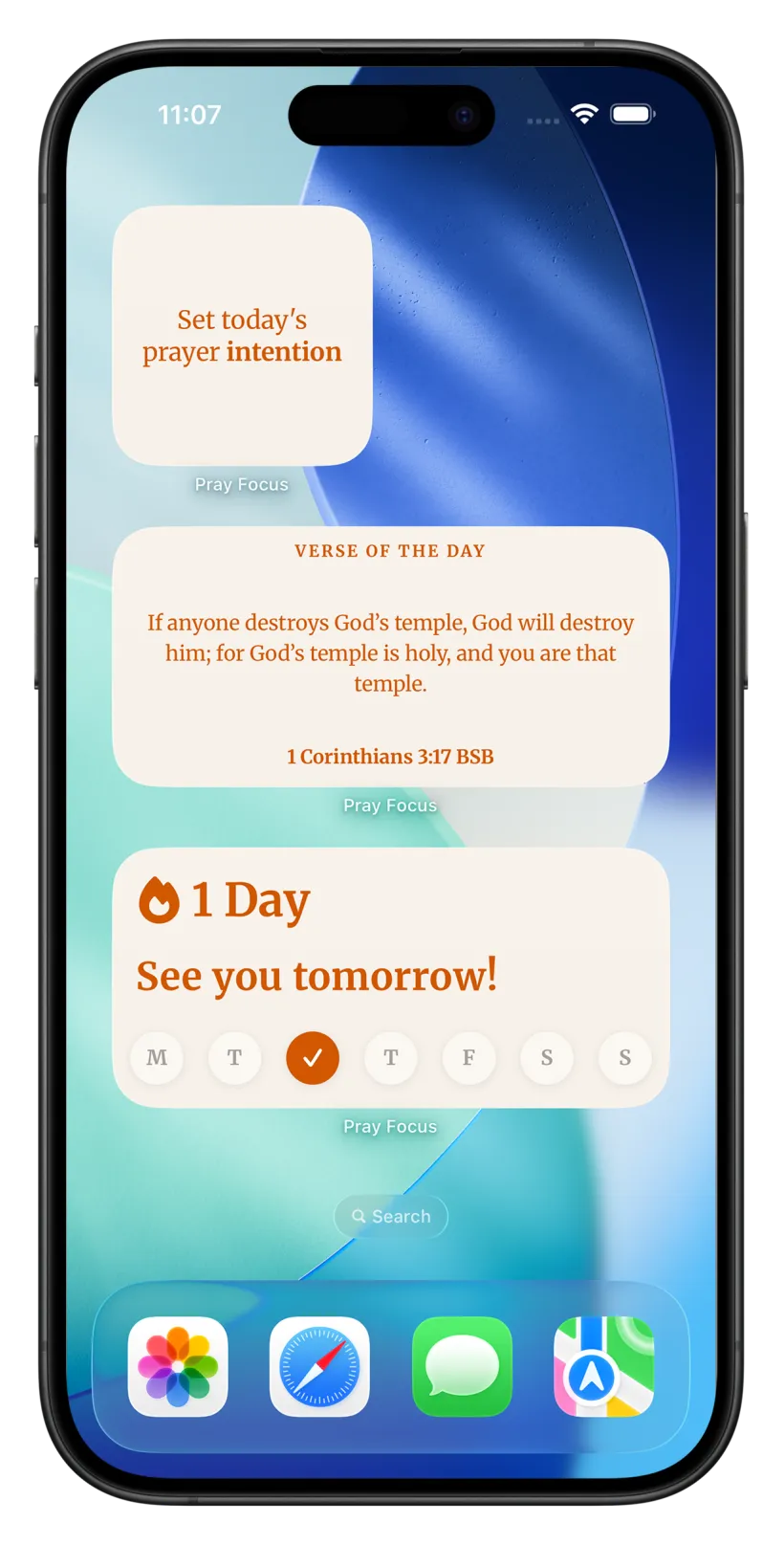
Step 1
Get the widget ready
- 1
Make sure your iPhone runs iOS 16 or later. Check in Settings, then General, then Software Update.
- 2
Download Pray Focus from the App Store and open it once so it can load a verse.
Step 2
Add the widget to your Lock Screen
- 1
Wake your iPhone but do not unlock it. Touch and hold anywhere on the Lock Screen.
- 2
Tap “Customize”, then choose “Lock Screen”. Unlock with Face ID or your passcode if asked.
- 3
Tap the box below the clock to add a rectangular widget, or the row above the clock for an inline one.
- 4
In the widget picker, scroll to or search for Pray Focus.
- 5
Select the Verse of the Day widget to place it in the slot.
- 6
Tap the X to close the picker.
- 7
Tap “Done”, then tap your Lock Screen to set it.
Download today for free
It takes 2 minutes to get started. Download this Christian prayer app, set up the app blocker, and begin building a praying habit.

Learn to pray.Make it a daily habit.
One email at a time, at your pace
Join our free email course and learn simple, time-tested ways to pray, with one small thing to try each time, so prayer slowly becomes part of your day.
- 8 short lessons: the Daily Examen, Lectio Divina, ACTS and more
- One tiny exercise each time, so praying becomes a habit
- Gentle and practical, never preachy. Free, forever.
Frequently asked questions
More widget guides
Widget Guides
How to add a Bible verse widget to your iPhone Home Screen
Widget Guides
How to add a Bible verse widget to your iPad Home Screen
Widget Guides
How to add a Bible verse widget to your iPad Lock Screen
Widget Guides
How to add a Bible verse widget to your Android Home Screen
Widget Guides
How to add a Bible verse widget to your Android Lock Screen
APP BLOCKING
Pray before you scroll.
DAILY SCRIPTURE
From 3 Christian traditions.
AI BIBLE CHAT
Talk to the Bible.
Turn mindless scrolling into a prayer habit