How to add a Bible verse widget to your Apple Watch
Learn how to add a Bible verse widget to your Apple Watch face with Pray Focus.
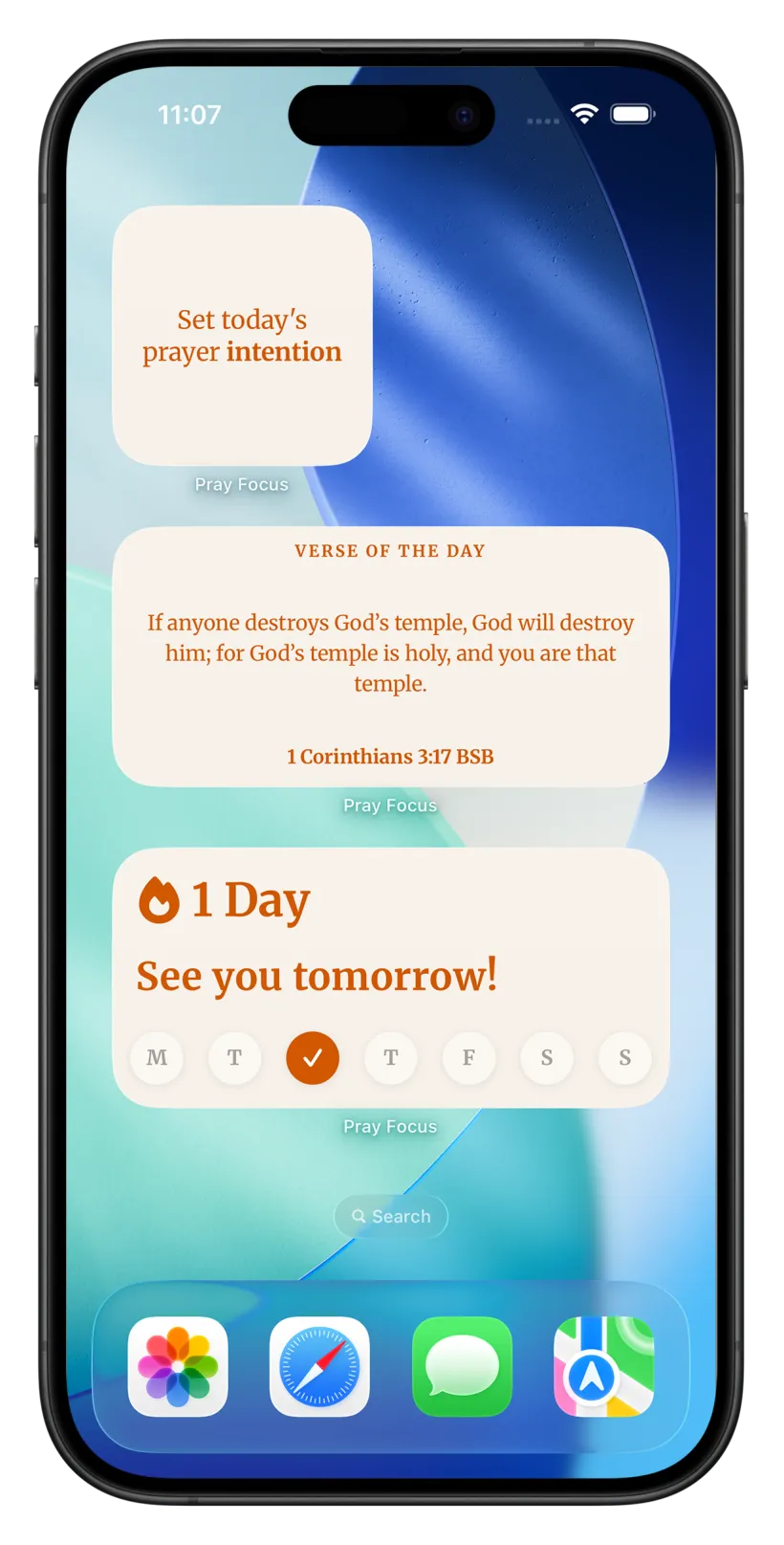
Step 1
Get the Verse of the Day ready
- 1
Download Pray Focus from the App Store on your iPhone.
- 2
Open the app and finish the short setup so it can load today’s verse. The Pray Focus Watch app installs alongside it.
Step 2
Switch to a watch face that allows widgets
- 1
Not every watch face can hold a widget. You need one with widget slots, and for the whole verse a face with a large rectangular slot, such as Modular, Infograph, or Infograph Modular.
- 2
To change face, touch and hold the current watch face, swipe left or right to the face you want, then tap it to select it.
On Apple Watch, widgets are called complications, and not all faces have slots for them. A face with a rectangular slot (Modular, Infograph, Infograph Modular) shows the verse and its reference. Faces with only inline or circular slots show a shorter version, and some faces have no slots at all.
Step 3
Add the widget on your Apple Watch
- 1
With the right face showing, touch and hold the middle of it, then tap “Edit”.
- 2
Swipe left all the way to the last screen. If the face allows widgets, its slots appear here.
- 3
Tap the slot where you want the verse. A rectangular slot shows the verse and its reference; an inline or circular slot shows a shorter version.
- 4
Turn the Digital Crown to scroll to Pray Focus, then choose the Verse of the Day.
- 5
Press the Digital Crown to save, then tap the face to start using it.
Step 4
Or set it up from your iPhone
- 1
Open the Watch app on your iPhone, then tap the Face Gallery, or tap your current face under “My Watch”.
- 2
Pick a face that has complication slots, like Modular or Infograph.
- 3
Tap the slot where you want the verse, scroll to and select Pray Focus, then choose the Verse of the Day.
- 4
Tap “Add” or your face to set it as active.
Download today for free
It takes 2 minutes to get started. Download this Christian prayer app, set up the app blocker, and begin building a praying habit.

Learn to pray.Make it a daily habit.
One email at a time, at your pace
Join our free email course and learn simple, time-tested ways to pray, with one small thing to try each time, so prayer slowly becomes part of your day.
- 8 short lessons: the Daily Examen, Lectio Divina, ACTS and more
- One tiny exercise each time, so praying becomes a habit
- Gentle and practical, never preachy. Free, forever.
Frequently asked questions
More widget guides
Widget Guides
How to add a Bible verse widget to your iPhone Home Screen
Widget Guides
How to add a Bible verse widget to your iPhone Lock Screen
Widget Guides
How to add a Bible verse widget to your iPad Home Screen
Widget Guides
How to add a Bible verse widget to your iPad Lock Screen
Widget Guides
How to add a Bible verse widget to your Android Home Screen
Widget Guides
How to add a Bible verse widget to your Android Lock Screen
APP BLOCKING
Pray before you scroll.
DAILY SCRIPTURE
From 3 Christian traditions.
AI BIBLE CHAT
Talk to the Bible.
Turn mindless scrolling into a prayer habit